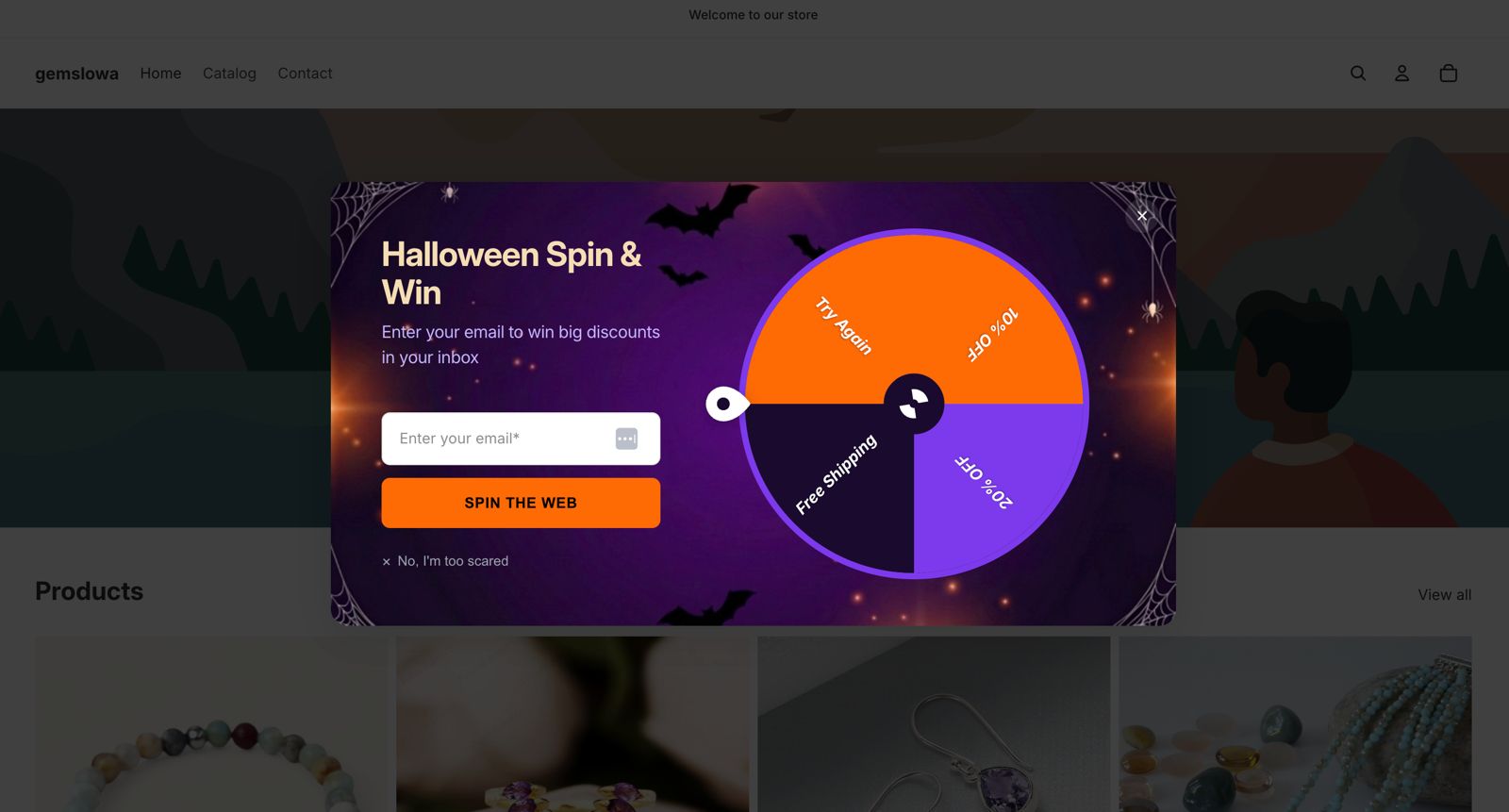
What is PopupBoost app?
Popup Boost is a Shopify app that helps merchants grow their email list and boost sales through interactive on-site campaigns with spin-to-win wheels.
You can fully customize the design, control who sees each campaign using targeting rules, and set smart triggers like exit intent or scroll depth to reach visitors at the right moment.
The app comes with ready-to-use seasonal templates — including Black Friday, Halloween, and Christmas — so stores can launch high-converting campaigns in minutes.
👉 On Shopify: PopupBoost
👉 Website: PopupBoost
How to install PopupBoost app to your Shopify store?
To install PopupBoost app to your Shopify store, follow these steps:
Go to the Shopify App Store and search for PopupBoost (or click here).
Click "Install" to open your Shopify dashboard.
On the permission screen, click Install to confirm access.
Done! 🥳
You can create your first spin wheel campaign.
What is a spin wheel campaign?
A spin wheel lets visitors win a prize by spinning a wheel on your site — a discount code, free shipping, a gift, or any reward you define. Each slice of the wheel carries its own prize and probability, so you stay in control of what gets given away and how often.
Because it's interactive, a spin wheel consistently outperforms a plain email popup. Visitors have a reason to hand over their email — they're playing for something.
Campaign types you can create
Spin wheel campaigns are flexible enough to work across most common e-commerce and lead-gen scenarios.
By customer segment
Use targeting rules to show different wheels to different audiences:
New visitors | Returning customers |
|---|---|
Offer a first-purchase discount (e.g. 10% off) to turn anonymous browsers into subscribers. | Reward loyalty with a wheel that only appears after someone has placed at least one order — show free shipping or bonus store credit instead. |
Tip: Exclude logged-in customers from new-visitor campaigns using URL rules or cookie-based targeting, so regulars never see a "first purchase only" offer.
Seasonal and event templates
Ready-to-use templates let you launch a themed campaign in minutes without designing from scratch:
Halloween
Black Friday
Back-to-school
Summer Sale
etc.
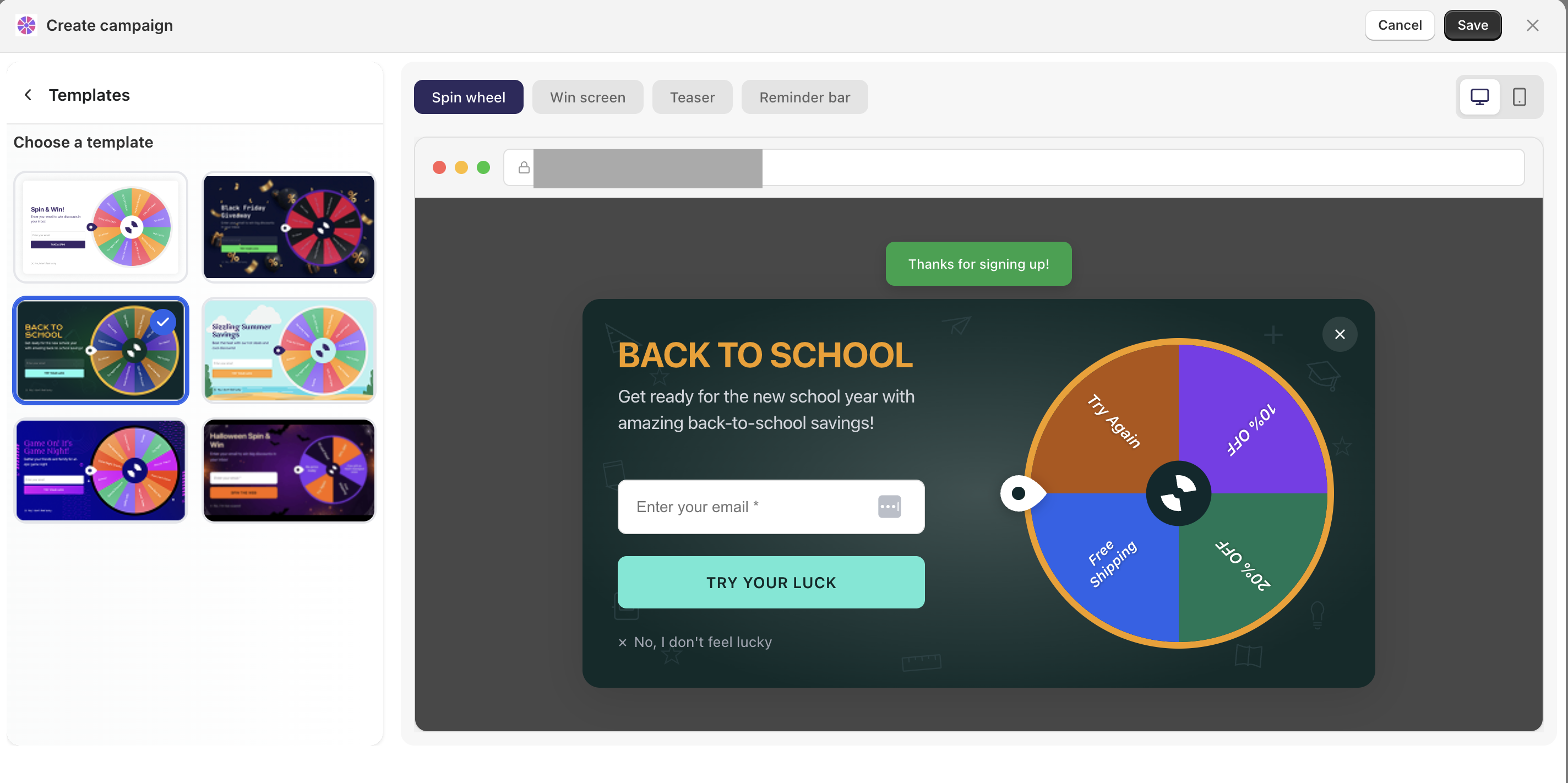
Each template comes with pre-built colors, copy, and slice suggestions. You can accept the defaults or fully customize them — templates are just a starting point.
Example — Black Friday wheel |
|---|
A fashion retailer uses the Black Friday template and sets up four slices: 30% off (5% win chance), 20% off (20%), free shipping (35%), and "Try again" (40%). The wheel only appears on product pages between Nov 22–30. |
Targeting rules — who sees the wheel
Targeting rules determine when and where the campaign appears. You can combine as many conditions as needed.
Page targeting
Show on specific pages — e.g. only on
/collections/saleor/products/*Exclude pages — e.g. hide the wheel on the checkout page or the thank-you page so it doesn't interrupt a conversion in progress
Example |
|---|
A home goods store shows the wheel on all product pages but excludes the cart and checkout. This captures intent without friction at the final step. |
Triggers — when the wheel appears
A trigger defines the moment the campaign fires. You can set one trigger per campaign.
Time on page |
|---|
Show after 8 seconds — visitor has read enough to be genuinely interested. |
Scroll percentage |
|---|
Fire at 50% scroll — visitor has engaged with the page content before being interrupted. |
Exit intent |
|---|
Trigger when the cursor moves toward the browser tab bar. This is your last chance to capture someone leaving — a strong offer here recovers abandoning visitors without annoying engaged ones. |
Best practice: Exit intent + a high-value wheel slice (e.g. "Spin to save 15%") is one of the highest-converting combinations. The visitor was about to leave anyway, so there's no risk of interrupting their experience.
Slices — prize types and win chances
Add as many slices as you want. Each slice has three settings: a label, a prize, and a win probability.
Setting probabilities
Probabilities are weights — they don't have to add up to 100, but the relative values determine how often each slice wins. A slice with weight 10 is twice as likely to land as one with weight 5.
Keep it believable. Include at least one "Try again" or low-prize slice with a high probability. A wheel where every spin wins something big quickly teaches visitors that it's rigged — and undermines trust.
Need Help?
📩 Contact Support: Reach out to us via live chat on the app dashboard.