
Control whether your campaign shows to everyone, only to guests, or only to logged-in customers — useful for showing first-purchase offers exclusively to new visitors, or loyalty rewards to existing customers.
To set this, open your campaign, click Display in the left panel, and find the Audience section.
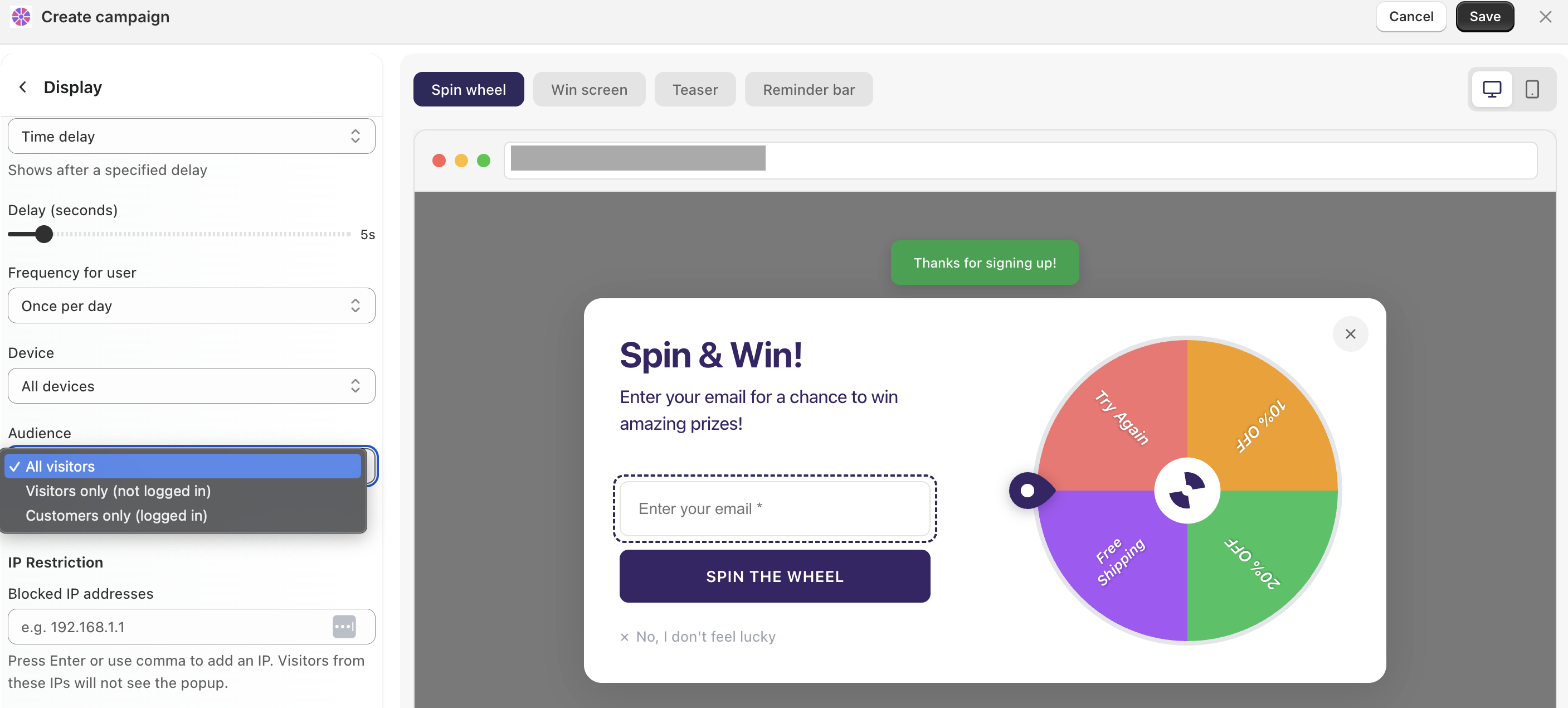
Options:
All visitors — the campaign shows to everyone, regardless of whether they're logged in
Visitors only — only shown to guests who are not logged in. Ideal for new subscriber offers or first-purchase discounts
Customers only — only shown to logged-in customers. Great for loyalty rewards or exclusive returning-customer deals